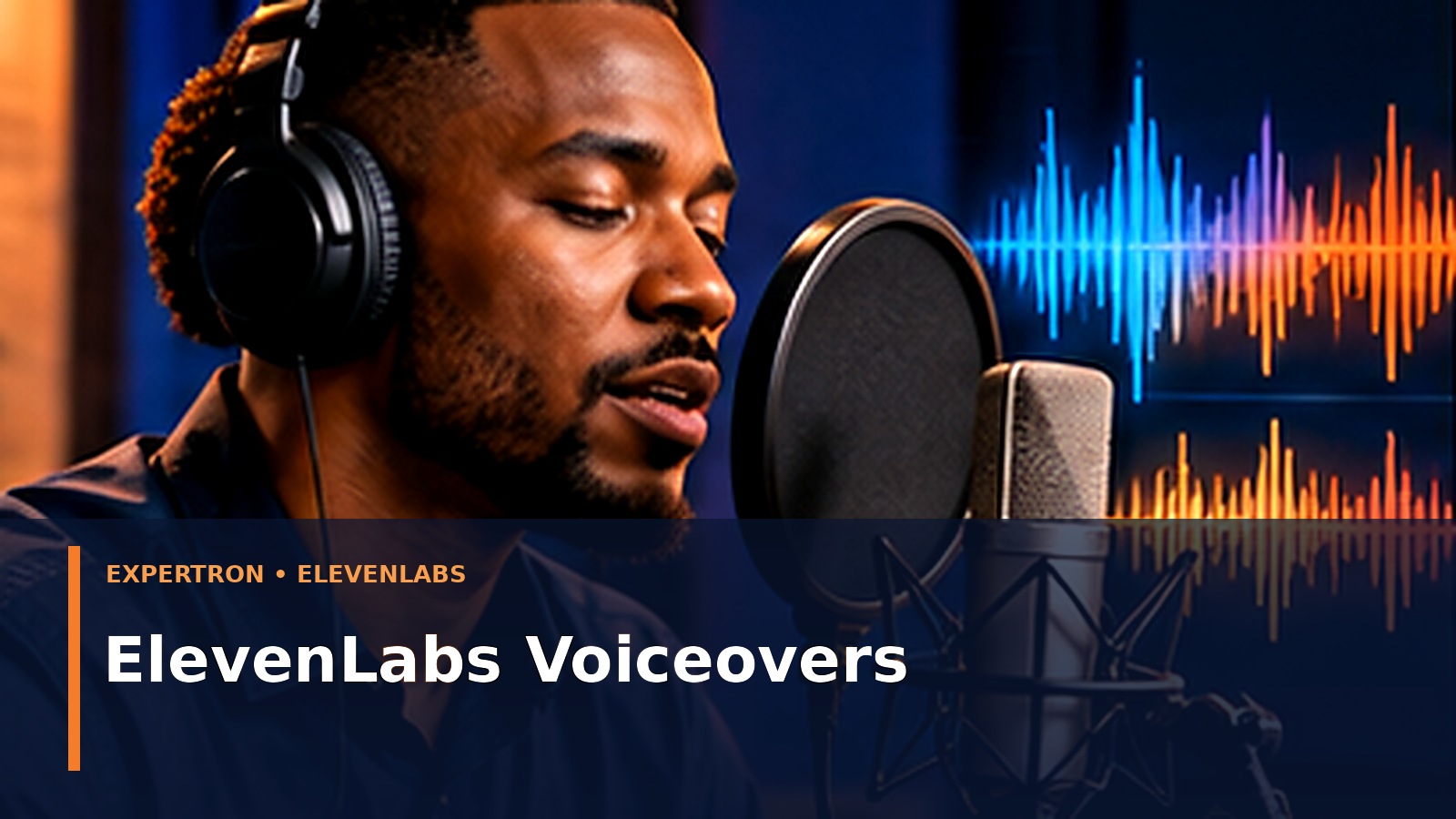
A convincing business voiceover begins long before clicking Generate. Listeners notice awkward pronunciation, inconsistent emphasis, pauses in the wrong place and language that sounds like an advertisement read aloud. ElevenLabs provides text-to-speech tools that can turn a polished script into expressive narration, but the producer remains responsible for the words, the rights and the final result.
Affiliate disclosure: This article contains an ElevenLabs affiliate link. Expertron may earn a commission if you purchase through it, at no additional cost to you. Our workflow guidance is independent; no hands-on benchmark results are claimed.
Step 1: Match the voice to the audience
A customer onboarding message, an internal safety lesson and a product announcement should not sound identical. Define the audience, accent expectations, tone, reading speed, emotional restraint and pronunciation needs. For a Nigeria-focused tutorial, test local place names, company names and familiar terms with native listeners rather than assuming that a generic “African accent” setting will be accurate.
Before selecting any voice, decide whether to use a licensed library voice, design a new synthetic voice or use an authorised voice clone. Use only voices for which you have the necessary rights and consent. ElevenLabs distinguishes Instant Voice Cloning from Professional Voice Cloning: a Professional Voice Clone must be created and verified by the voice owner, who may then share it. Never impersonate a customer, employee or public figure, and disclose synthetic narration in sensitive contexts.
Step 2: Write for the ear, not the page
Shorten long sentences. Replace unexplained acronyms with phrases spoken naturally. Write numbers in an unambiguous form: “twenty-five thousand naira” often works better than a dense string of digits. Specify how to pronounce names, product codes and abbreviations in a separate pronunciation list. Remove decorative headings or stage directions that a speech model might read literally.
Before: “Leverage AI-enabled CRM workflows in Q4 to optimise the omnichannel sales funnel.”
After: “This quarter, use an AI-supported customer list to reply faster, follow up consistently and see which enquiries become sales.”
The second sentence is usually easier to follow without visuals.
Step 3: Work in short recording sections
Break a 12-minute training module into logical sections, each with one learning objective. Generate a short sample and listen before processing the full script. Test the most difficult sentence first: local names, dates, measurements or foreign-language words. Record the chosen voice and settings in a production sheet so all later segments are consistent.
ElevenLabs’ official documentation describes voice controls and language capabilities, but available models and plan entitlements change. Review the current account’s options and commercial-use rights before committing a client project.
Step 4: Review the audio against a production checklist
Listen with headphones and a mobile speaker. Check pronunciation, clipped words, unexpected laughter or emotion, unnatural pacing, volume jumps and silence lengths. Compare the recording with the approved script line by line. If narration accompanies charts or product demonstrations, verify that the spoken description matches what appears on screen. Include time for a second reviewer; creators tend to miss mistakes in material they wrote.
Step 5: Prepare accessible, reusable deliverables
Deliver narration alongside a transcript, pronunciation notes, a copy of the approved script and filenames that clearly identify version and language. For video, synchronize captions manually against the final voiceover rather than assuming the draft text is perfectly aligned. Keep the original audio source and usage rights on record.
Suggested business use cases
| Use case | Editorial priority | Extra check |
|---|---|---|
| Explainer video | Clarity and confidence | CTA accuracy |
| Employee onboarding | Consistency | Policy owner approval |
| Product demonstration | Precise terminology | Feature accuracy |
| Accessibility narration | Understandable pacing | Caption and screen-reader experience |
| Course lesson | Learning objectives | Pronunciation and quiz alignment |
Common mistakes
Choosing a dramatic voice before the script is ready, generating too much content before testing, overusing expressive delivery, skipping accent checks and treating synthetic speech as proof of authenticity. The most professional workflow is usually modest: clear writing, a suitable voice, human review and consistent post-production.
A 90-second voiceover project brief
Audience: first-time small business website visitors. Action: explain how a customer can request an assessment. Message: a smart website can capture enquiries, provide approved information and route leads to staff. Tone: calm and helpful, not a sales announcement. Avoid: claiming that every enquiry will become a customer. Required terms: Expertron, Free Business Assessment and the correct URL. Reviewers: a business-content editor and a Nigerian English listener. Save this brief beside the exported audio so future revisions remain consistent.
Measure whether narration serves the video
Conduct a comprehension check with three viewers who did not write the script. Ask them to explain the key action in their own words. If they remember the impressive voice but cannot explain the offer, revise the message. Where audio is embedded in an educational video, compare learner comprehension with and without captions and offer a readable transcript. Production speed is valuable only when meaning survives.
Frequently asked questions
Can I use generated audio commercially?
ElevenLabs states that free-plan output does not include a commercial licence. Paid-plan commercial use remains subject to rights in the input material, service-specific terms and exclusions such as Beta Services. Confirm the current terms before monetising a project.
Should I clone my own voice?
It can be useful for consistency when you own the rights and consent to its use. A library voice may be simpler when you want a neutral corporate narrator.
What if names are repeatedly mispronounced?
Maintain a pronunciation guide, generate small test segments and correct or rephrase source text. Never assume another regeneration will fix an ambiguous spelling.
The value of AI narration is not just faster audio generation; it is a repeatable production system that helps a business communicate clearly.
Related Expertron resources
Take the next step
Explore ElevenLabs voice tools
Sources and further reading
- https://elevenlabs.io/docs/overview/capabilities/text-to-speech
- https://elevenlabs.io/docs/help-center/product/voices/voice-design/what-is-voice-design
- https://elevenlabs.io/docs/help-center/legal/can-i-publish-the-content-i-generate-on-the-platform
- https://elevenlabs.io/docs/eleven-creative/voices/voice-cloning/instant-voice-cloning